
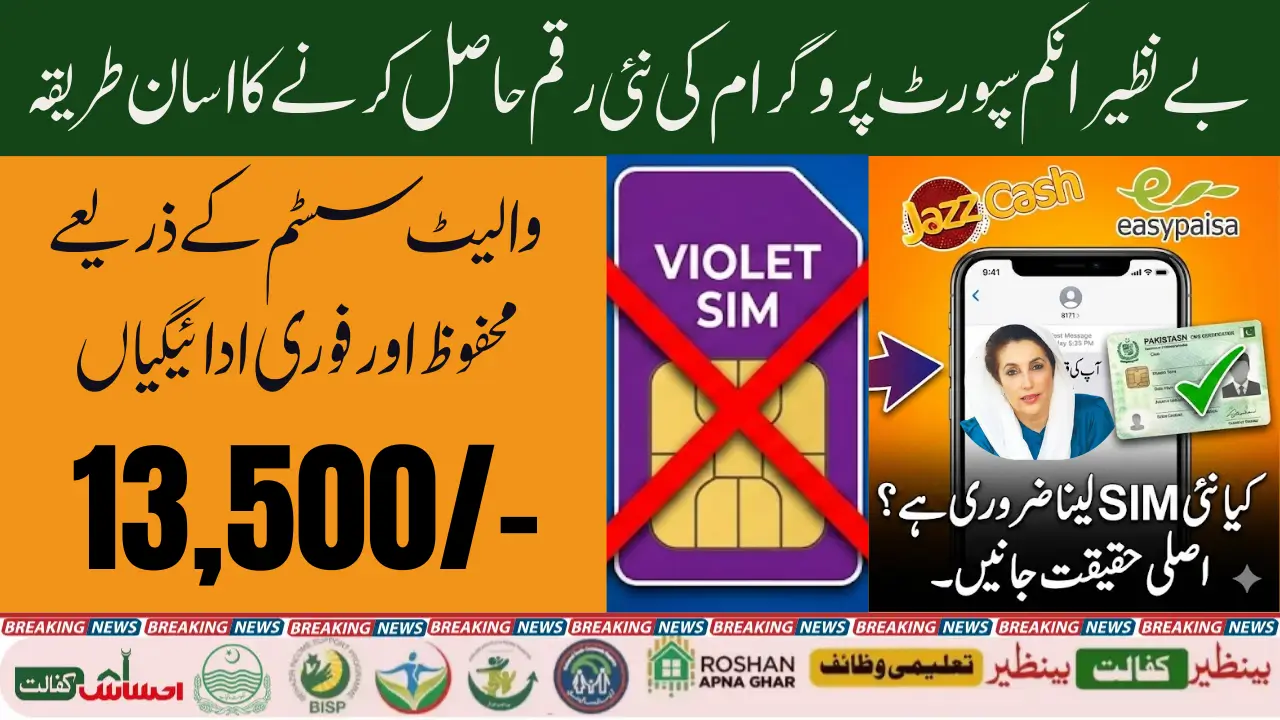
The Benazir Income Support Programme (BISP) often introduces new systems to make payments safer, faster, and more transparent for millions of beneficiaries. Recently, people have been discussing the term “Violet SIM”, causing confusion about whether a special SIM is now required to check or receive payments. In reality, BISP does not issue any violet-colored SIM. Instead, this term refers to the new digital wallet system being rolled out in select districts.

The standard and official ways to check your BISP payment 8171 SMS and the official web portal remain the same for most beneficiaries. This article explains everything clearly in simple English so you can easily understand the real process, avoid scams, and check your payment status without any difficulty.
Understanding the BISP Violet SIM Concept
What the “Violet SIM” Really Means
The term “Violet SIM” is not an official product from BISP. It refers to the SIM card linked with your CNIC in the new BISP digital wallet. Beneficiaries must link a SIM registered in their name to receive funds digitally through JazzCash or Easypaisa.
Why People Are Confused About This Term
Several unofficial social media pages started claiming that a special violet-colored SIM is required to receive new payments. This is false information. The government has clarified that no new SIM is being issued; only CNIC-linked mobile numbers are needed.
How SIM Linking Works in Digital Wallet System
SIM linking helps BISP confirm identity and supports secure fund transfers. Once your digital wallet is activated, your existing SIM becomes the main channel for:
- Receiving SMS notifications
- Checking balance
- Accessing JazzCash or Easypaisa wallet
Nothing extra is required beyond biometric verification at the BISP office.
You can also read: BISP 8171 Web Portal Update December 2025
Official and Easiest Methods to Check BISP Payment Status
Offline Method — Checking Payment via 8171 SMS
The SMS method is completely free and works on all networks.
Steps:
- Open your SMS app
- Type your 13-digit CNIC
- Send to 8171
- Receive eligibility + payment information
This method works without internet and is the fastest for rural users.
Online Method — Checking Status through 8171 Web Portal
For users with internet access, the portal provides instant information.
Steps:
- Visit 8171.bisp.gov.pk
- Enter CNIC
- Type captcha code
- Click Check Status
The system will instantly show your updated eligibility and payment details.
Step-by-Step Guide for Both Methods
Whether offline or online, you only need your CNIC number. No agent, fee, or SIM change is required.
New Digital Wallet System Introduced by BISP
Purpose of the Digital Wallet Initiative
The goal is to reduce:
- Payment delays
- Fraud and unauthorized deductions
- Long queues at campsites
The digital wallet ensures direct transfer to the beneficiary’s own mobile wallet.
Districts Where the Wallet System Is Being Tested
The system is currently in the pilot phase, active only in selected districts. Once fully successful, it will expand countrywide.
Eligibility Requirements for Wallet Activation
To activate the wallet:
- SIM must be registered in beneficiary’s own name
- Original CNIC required
- Biometric verification at BISP Tehsil Office
BISP Violet SIM Payment Procedure
Visiting the BISP Tehsil Office
The process begins at your nearest BISP office. Officers verify your identity and confirm eligibility.
Biometric Verification for Wallet Activation
Beneficiaries must verify fingerprints on a biometric device. This ensures security and prevents fraud.
Linking CNIC with Mobile Wallet SIM (JazzCash/Easypaisa)
After verification:
- Your SIM is linked with your CNIC
- A digital wallet (JazzCash/Easypaisa) is created
- You receive confirmation messages
- Your upcoming BISP payments will start reflecting in this wallet
After Activation How to Check Balance on the Wallet SIM
Using Mobile Apps (JazzCash/Easypaisa)
You can log in using your registered number and view:
- BISP balance
- Transaction history
- Withdrawal points
Using USSD Codes
If you do not have internet, dial:
- JazzCash: *786#
- Easypaisa: *786#
Both services allow balance checks without buying mobile data.
Checking through Retailer or Agent
At any authorized agent:
- Provide CNIC
- Complete biometric verification
- Ask for your current balance
This method is useful for those without smartphones.
You can also read: Benazir Kafalat 2026 Quarterly Installment Increased
Common Issues Beneficiaries Face
SIM Not Registered in Beneficiary’s Name
If the SIM belongs to a relative, the wallet cannot be activated. The beneficiary must register a new SIM in their own name.
Biometric Verification Failure
Causes may include:
- Dry skin
- Worn fingerprints
- Faulty device
In such cases, NADRA verification may be required.
Payment Hold Due to System Update
Sometimes payments are delayed due to:
- System upgrades
- District-level wallet expansion
- Security verification
Important Safety Guidelines
Avoiding Scams and Fake Agents
Always remember:
- 8171 is the ONLY official SMS number
- BISP never asks for money
- Never share your CNIC photo, PIN, or fingerprints with unknown individuals
Identifying the Official 8171 Channels
Official platforms:
- 8171 SMS service
- 8171.bisp.gov.pk portal
- BISP Tehsil Offices
Anything outside these is NOT official.
8171 Method vs Digital Wallet Method
| Feature | 8171 SMS/Portal | Digital Wallet SIM |
|---|---|---|
| Internet Required | No (SMS), Yes (Portal) | No/Optional |
| Biometric Needed | No | Yes |
| Payment Speed | Moderate | Faster |
| Security Level | Medium | High |
| Balance Check | SMS/Portal | App, USSD, Agent |
| Available Nationwide | Yes | Limited Districts |
Final Thoughts on the BISP Violet SIM System
The so-called “Violet SIM” is nothing more than your existing SIM registered in your name and linked to your CNIC for the new digital wallet system. For now, the official 8171 SMS and portal methods remain the easiest ways to check BISP payments. As the digital wallet expands, beneficiaries will experience faster, safer, and more transparent payments.
You can also read: BISP Account Phase Three Start in 52 Districts
FAQs
1. Is a special Violet SIM required for BISP payments?
No, BISP does not issue a violet-colored SIM. Your existing SIM is used.
2. Can I still check my payment through 8171?
Yes, the 8171 SMS and portal services are still the official methods.
3. Do I need a smartphone for the digital wallet?
No. You can use USSD codes or visit an agent.
4. Is biometric verification necessary?
Yes, only for activating the digital wallet system.
5. What if my SIM is not registered in my name?
You must register a new SIM in your name to activate the wallet.